0%
PiP enables multitasking
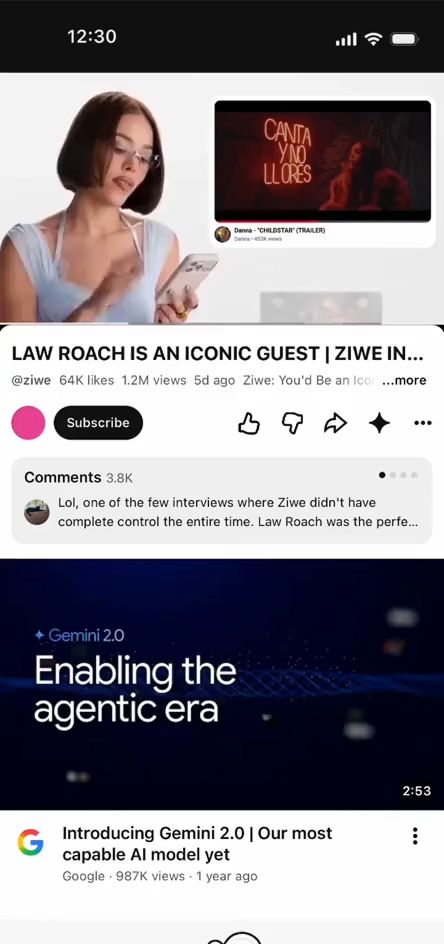
Picture-in-Picture lets viewers do more without interrupting the viewing experience.

the problem
Mobile users frequently want to multitask—such as checking emails, replying to messages, or browsing the web—without interrupting their video experience.
Letting viewers stay connected to their content while navigating elsewhere, without losing the flow of the viewing experience.
Picture-in-Picture (PiP) lets viewers continue watching a video in a smaller, floating player pinned to a corner of the screen.
They can browse the home screen, switch between apps, or interact with other content without interrupting the viewing experience, making multitasking feel seamless and effortless.
how it works
The user exits YouTube app while a video is playing triggering a floating video player.
Uses native system gestures to reposition, resize, or pause/resume the video via a miniaturized, decluttered control overlay.
Viewers can set PiP triggering preferences in settings.


impact
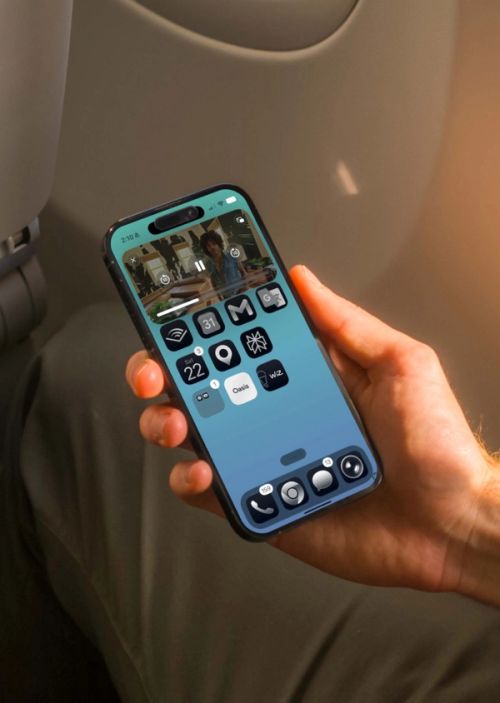
Picture-in-Picture functionality increased daily active users by millions.
This feature enables a continuous viewing experience.
usability
Constantly improving the mobile watching experience.
The floating video player lets users multitask without interrupting playback.